Choose the alphabetCombine languagesWrite the RE
The learning workspace that
builds your course as you learn
Study any topic or bring your own materials. Leave with notes, flashcards,
tests, and understanding that couldn't have come from anyone else's session.
Already have an account? Sign in
Bring your materials. Know exactly where to start.
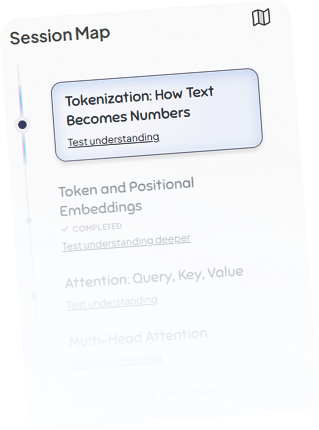
Figure finds the useful parts, builds a Guide through them and keeps everything you learn connected to the original material.
Ohhh—the star means repeat the language zero or more times.
Which operation means “either language”?
Union ConcatenationYour original files stay available while you learn.
Lecture slideslecture3.pdf
38 pagesLecture notesFormal Languages
14 pagesProblem sheetReverse examples
8 questions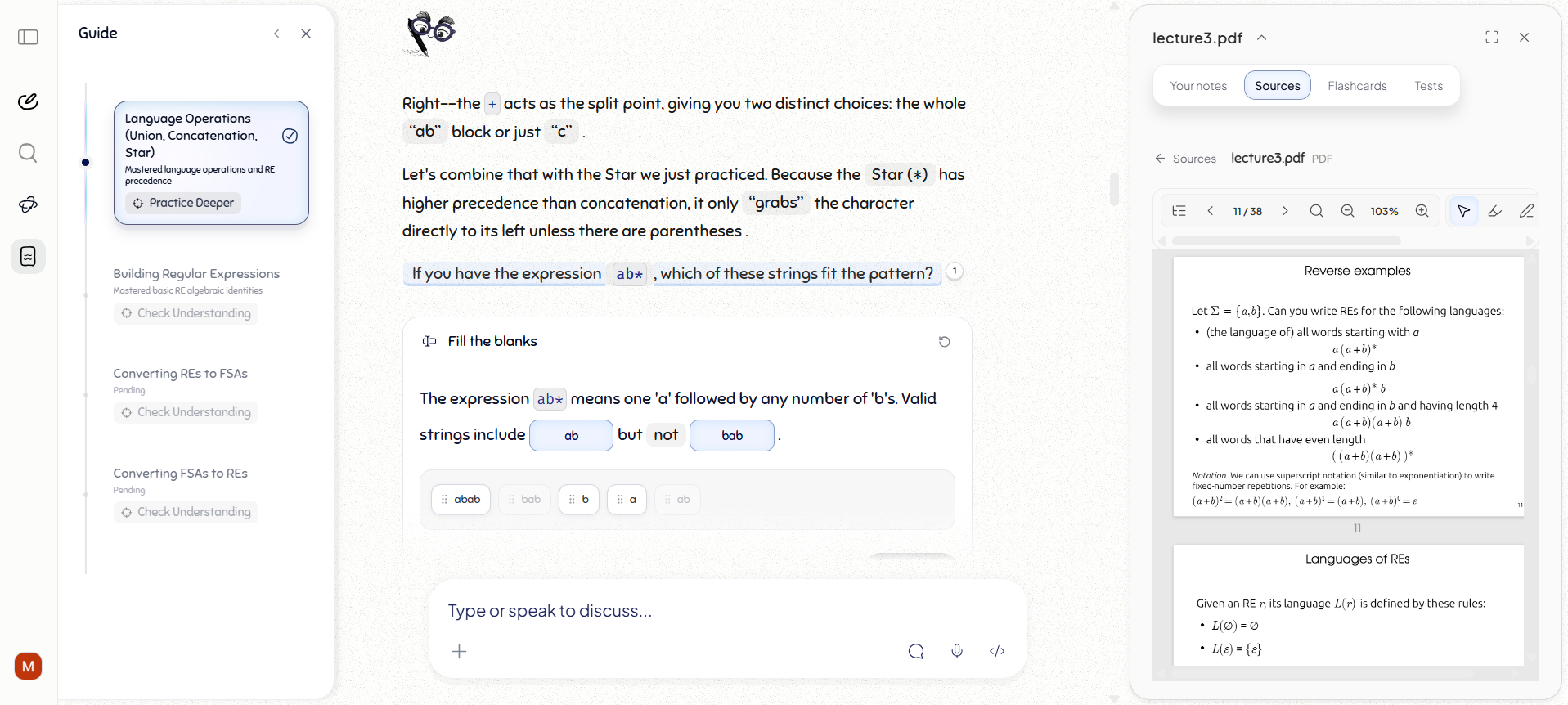
Figure is a Tutor that actually teaches from your material
Have slides but just can't understand them? Get unstuck, stay on track and properly understand what you are learning. Figure opens the relevant page, asks the right question and changes its approach when something has not clicked.
Let’s open page 183 and look at its carrier-protein diagram.
Biology for A Level · page 183
The diagram shows ATP changing the protein’s shape. What does that change let the protein do?
Does ATP push the particles through the membrane?
Not quite. ATP supplies energy to the carrier protein. Use the source, then spot what the explanation below gets wrong.
Spot the error
Work through problems on a shared whiteboard.
Work through a problem visually. Figure can circle the exact mistake, add an arrow or explanation, and continue from the attempt you actually made.
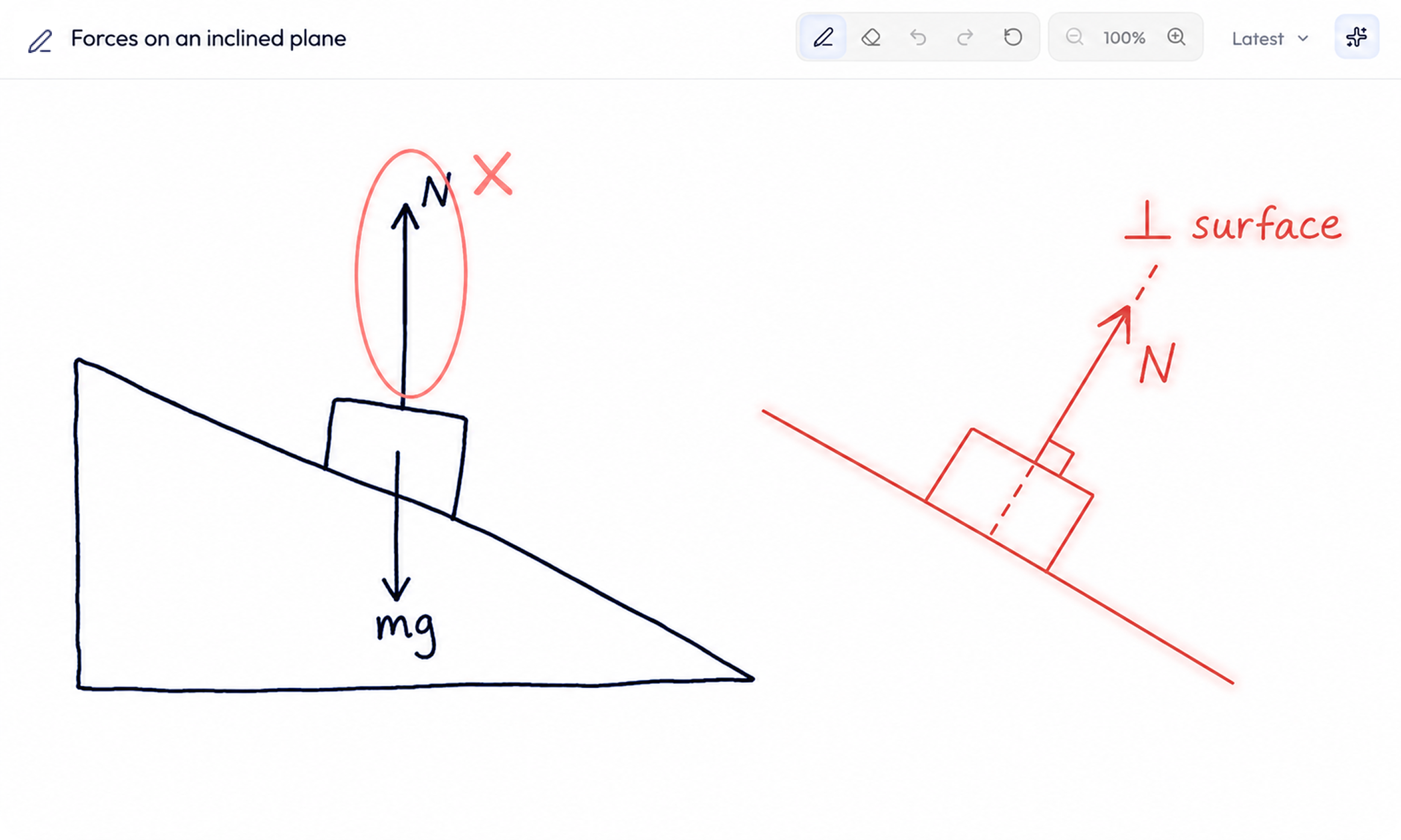
Close, but your normal force is vertical here. For the exam, draw it perpendicular to the surface so the direction is unambiguous.
Study directly from your source.
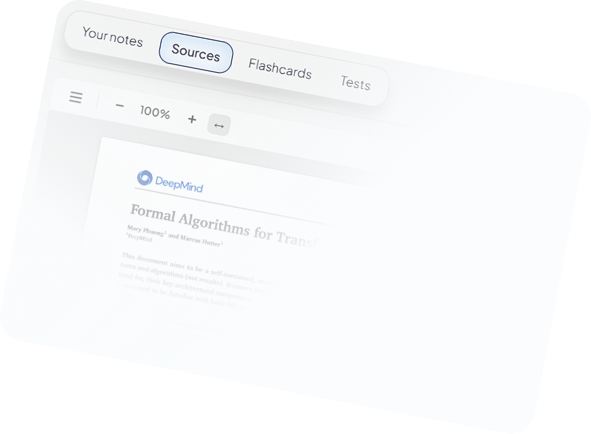
The tutor is optional. Open any source full-screen to highlight, annotate or take notes. Create a test or flashcards from the page you are reading.
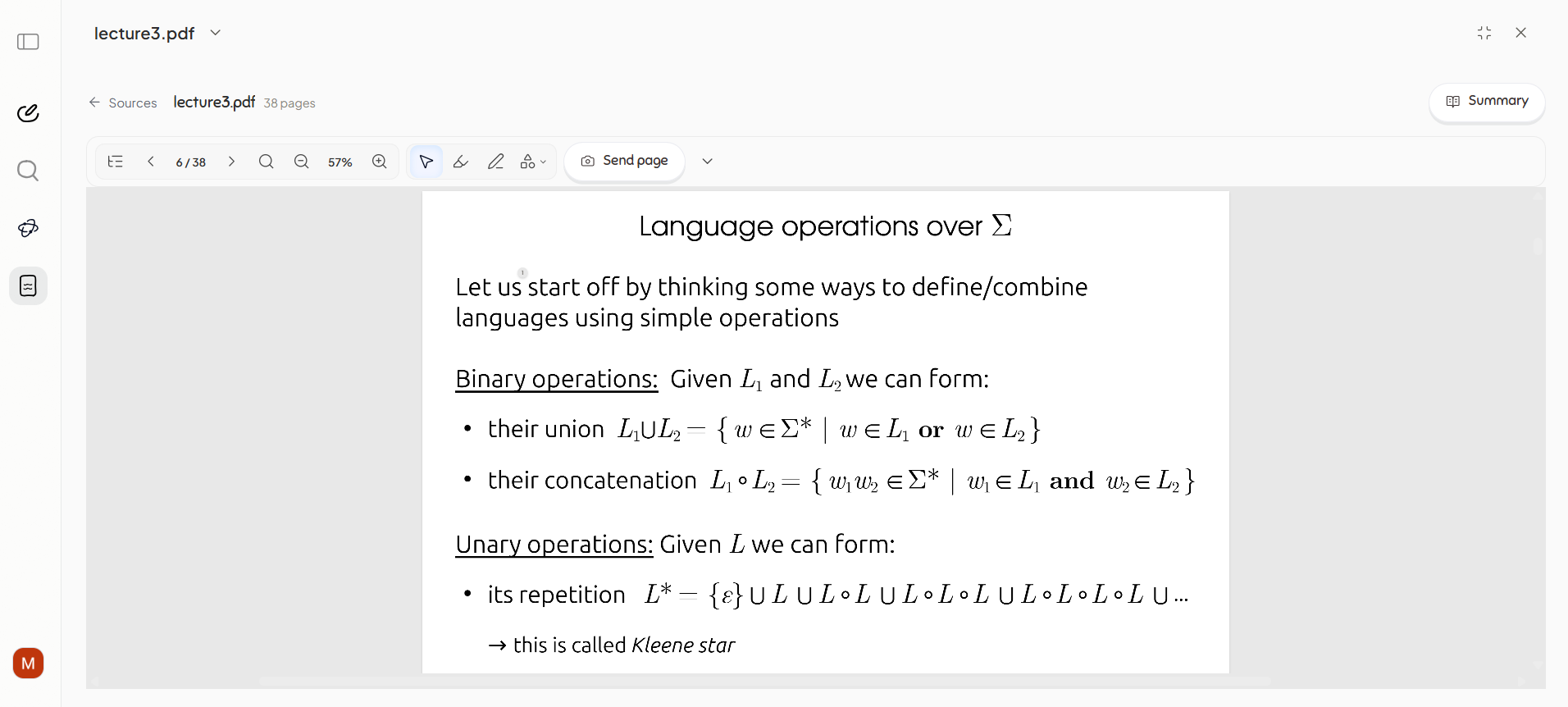
Can you test me on whether I understand these operations?
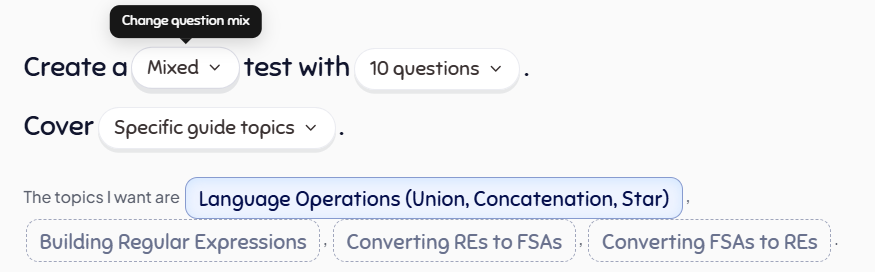
Can you test me on whether I understand these operations?
The practical study tools are built in.
Use flashcards, tests, annotations and notes whenever you want. During a lesson, Figure can also bring in the question or activity that will help most.
Lectures and documents
Turn a lecture or document into something you can work through.
Drop in the material as it is. Figure finds a useful place to begin and walks you through it.
Available whenever you are
A 24/7 tutor that genuinely adapts to you.
You already understand diffusion. Let’s compare it with active transport instead.
Skipped what you knowRaised the levelNext: compare
Source-grounded teaching
See which page an explanation comes from.
The carrier protein changes shape, then moves the particles.1
Questions with context
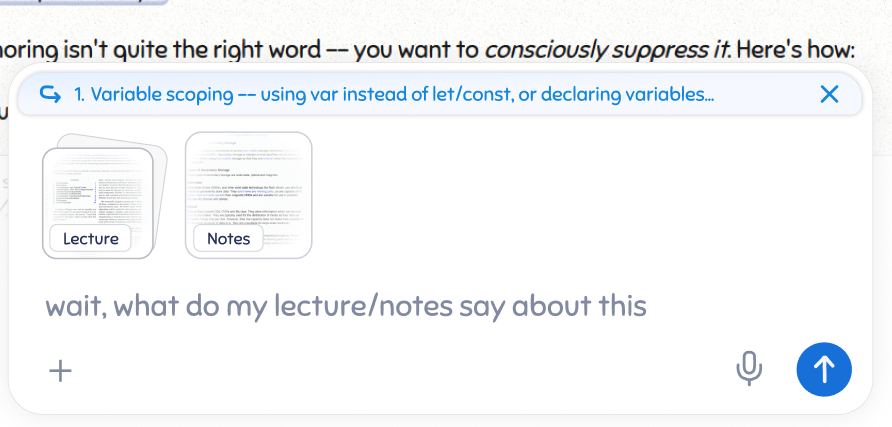
Choose exactly what you are asking about.
Choose the lecture, notes or current page you want Figure to use.
Revision
Generate flashcards and tests from what you learn.
Progress
See what you have actually practised.
Guide3 objectives passedLatest test8 of 10 answered correctlyFlashcards6 shaky cards ready to practise
Already have the material?Start with one lecture, document or difficult topic.
A real learner result after four days with Figurespace.
After skipping most lectures, they started four days before their end-term.
Midterm28%Before Figurespace
End-term
78%First class
After four days with FigurespaceAI should remove the work around learning—not the thinking inside it.
Figurespace organises the material, finds the relevant source and prepares practice. You still recall, compare, explain and answer—the work that produces understanding.
- Organising your material
- Finding the relevant source
- Preparing practice and revision
RecallCompareExplainAnswer
Questions worth asking any AI study tool.
A useful tutor should be able to explain what it does with your material, how it checks understanding and what remains when the conversation ends.
A PDF chat gives you answers. Figurespace helps you work through the material: Figure can open the relevant page, ask a question, respond to what has not clicked and bring in practice—while keeping your Guide, notes, flashcards, tests and progress together.
Figure walks through the idea with you, opens the relevant source when it helps, asks you to use what was explained and changes course when your answer reveals a gap. Generating a summary is not treated as learning.
Figure uses your answers, explanations and practice to see what has clicked and where you are still unsure. It can then explain differently, open the relevant material or ask you to try the idea another way.
Yes. Open a source full-screen, annotate it, keep notes beside it, make flashcards or build a test. Use Figure when it helps; work directly from the source when it does not.
PDFs, slides, lecture recordings, notes, specifications and exam papers can belong to the same Space. Your original materials remain available throughout the work.
That is what a Space is for. It keeps your materials, Sessions, notes, tests, flashcards and everything you have worked through together—not in a conversation that disappears when you close the tab.
A Session restores its working context: the Guide, conversation, source and page, notes, completed activities, tests and flashcards. You return to the work itself rather than searching through an old chat.
Bring one thing you need to learn.
Start with a question, a file or a whole course.